Using Cloud-based Applications to Support Learning Objectives: BLOOMing with Technology

The Sloan Consortium hosted this webinar that provided an overview of the digital makeover that Bloom’s taxonomy of educational objectives for learning has undergone. The Bloom’s Digital Taxonomy Pyramid makes thinking about technology tools in this context a breeze. This session explored how they can be used at various levels on the digital taxonomy to encourage higher level thinking and problem solving. This session also provided faculty with some creative and innovative ideas for integrating Web 2.0 tools at each level.


Introduction to Bloom’s Digital Taxonomy is located here.

Interactive Bloom’s Revised Digital Taxonomy – one version located here.

APPLYING

http://bubbl.us – Anatomy & Physiology students collaborate in a course using this free resource. Students are assigned specific areas – and areas are left blank – which require students to insert specific information (such as the anatomical part and the physiology of it).

http://www.twitter.com – Using Twitter as a public service announcement. Students must learn how to use Twitter and compose a PSA in 140 characters or less. Screenings (cholesterol, cancer, diabetes, prostate, etc…) are assigned to students. They then had to use Twitter to indicate why it was important to do a screening.

http://www.letterpop.com – great way for students to compose a newsletter and demonstrate they understand the information

Voki or VoiceBoards (integrated in some versions of Blackboard) or AudioBoo –  – use this for medical terminology. Students submit all their assignments using one of the three tools. In a survey, 96% said they wanted to have this used more, because they were able to hear the instructor pronounce the word.

Screencast-o-matic – can do presenting and show their work. Similar to Jing. Free to use, but for $15 can do closed captioning. Similar to using Snag-It or Camtasia. In anatomy/physiology have screenshots and students are required to go in and indicate where the origin of the problem was.

ANALYZING

Google Docs

Create-a-Graph or other infograph tool

RSOE Emergency and Disaster Information Service located here.

Vizualize.me


Webinar facilitator: Dr. Julia VanderMolen is the Department Coordinator and Assistant Professor for Science and Health Online at Davenport University, Grand Rapids, Michigan. She is a 2011 Teaching Excellence Award and 2012 Blackboard Exemplary Course Award winner. She has expertise in online learning and currently provides expertise to the International Association for K-12 Online Learning (iNACOL) as a member of the research committee for best teacher education practice. She graduated with a Ph.D in Educational Leadership with an emphasis in Career and Technical Education from Western Michigan University. She has a M.Ed in Educational Technology from Grand Valley State University and a MA in Health Science from the University of Alabama. She has presented at a number of conferences on the topic of educational technology and online learning.
 

Spring Into Success with Team-Based Learning

UTHSC faculty and staff gathered on March 26, 2013 for a Team-Based Learning (TBL) workshop, facilitated by Andrea Franks and Michelle Farland from the Department of Clinical Pharmacy in the College of Pharmacy.

Andrea-Michelle

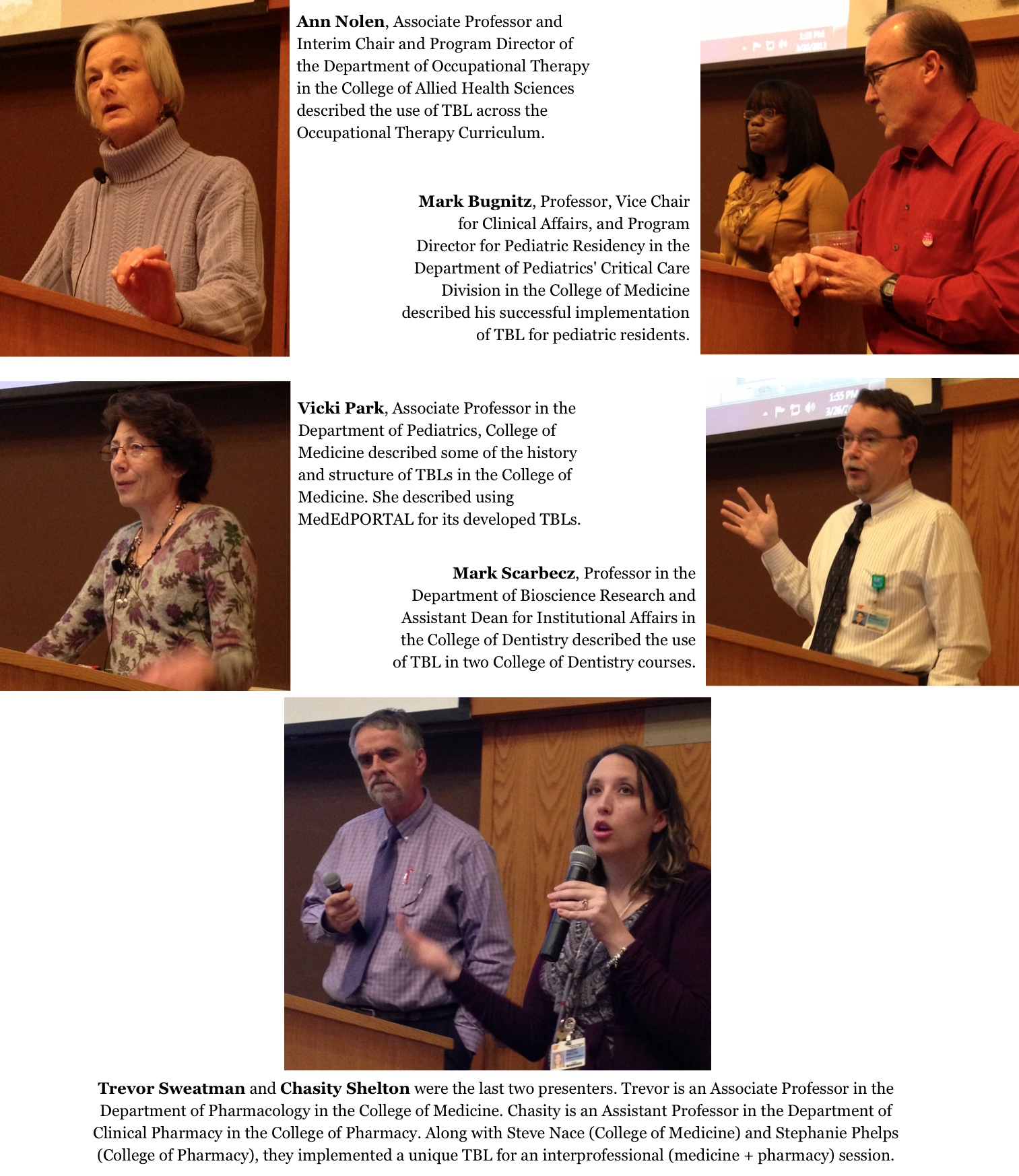
Faculty from 3 colleges presented on the use of TBL with specific courses and groups of learners, from 1st year through residency training. Access the MediaSite recording of the college presentations here.

TBL-session-presentations

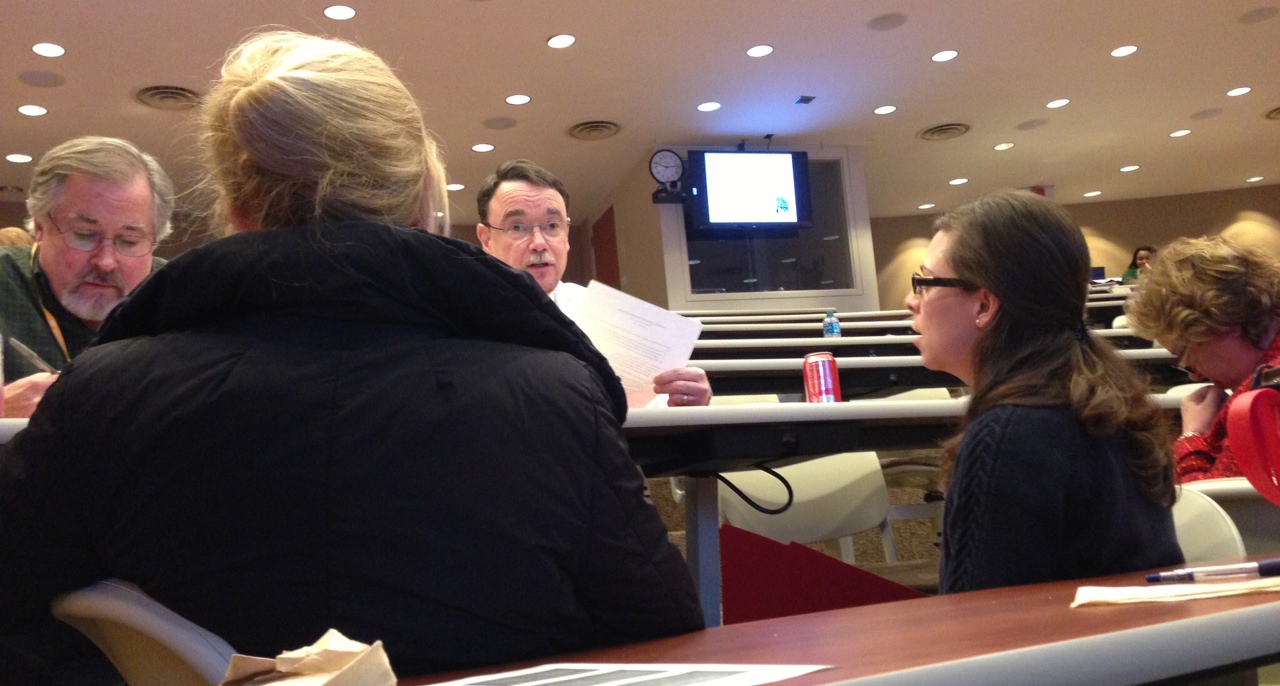
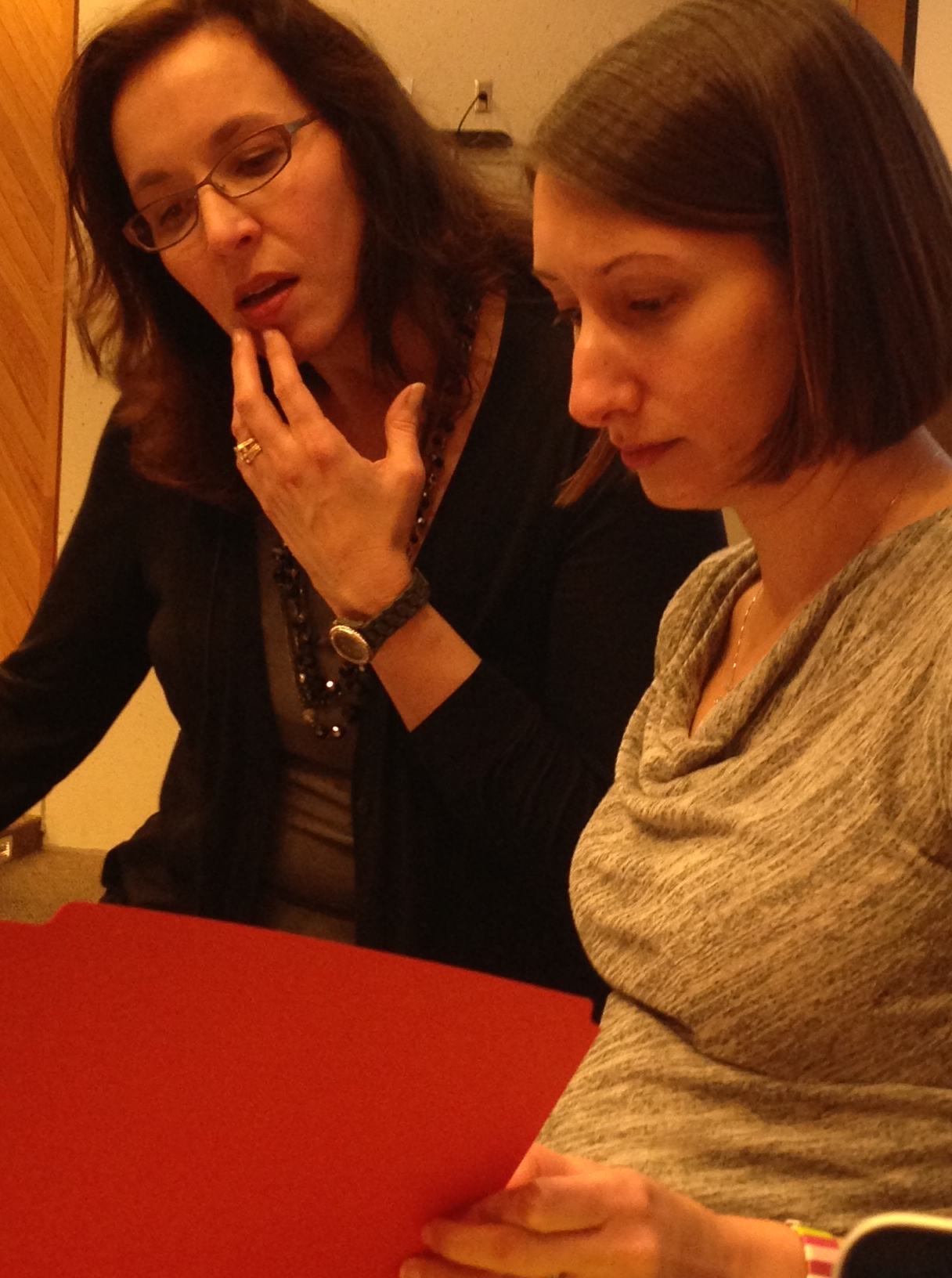
After our college presenters, the workshop facilitators took over and led a dynamic, interactive, team-based learning session. Below you’ll see pictures of groups working on the Individual Readiness Assessment Test (IRAT) and the Team Readiness Assessment Test (TRAT).

IRAT

TRAT

Our Memphis faculty thank Drs. Frank and Farland for coming to Memphis on a cool Spring day!

Ideas coming out of this session included the need for sessions focused on:

  • using MedEdPORTAL
  • TBL 101
  • becoming a facilitator for TBL and not a lecturer

Spring into success with Team-Based Learning 2013

Join colleagues at the TBL workshop scheduled for Tuesday, March 26 from 12:30pm to 5:00pm, GEB A104. Click here to register for the session.

Previous UTHSC programming has focused on explaining team-based learning (TBL) and highlighting its benefits for application in health professions education. This workshop is designed for faculty currently using or implementing TBL, and extends beyond basic understanding of TBL methods.  Using a TBL structure, participants will be placed in teams to simulate the readiness assurance process and too discuss cases that address important TBL challenges such as peer evaluation, team assignment, team teaching, and facilitation skills.

Schedule:

12:30-1:00 Lunch

1:00-1:05 Welcome and Overview

1:05-2:20 This Works for Me / My TBL Experience

  • Mark Bugnitz – TBL in pediatric residency training
  • Ann Nolen – TBL in occupational therapy
  • Vicki Park – TBL in Medicine & published in MedEdPORTAL
  • Mark Scarbecz – TBL in dentistry
  • Trevor Sweatman & Chasity Shelton – TBL in an interprofessional session

2:20-2:30 Break

2:30-4:30 Workshop

  • Facilitators: Drs. Andrea Franks & Michelle Farland

4:30-5:00 Q&A / Wrap-Up / Discussion

Faculty who’ve tried TBL overwhelmingly stick with it because of how well it works for the type of content and students of today. Come learn more about TBL from and with your colleagues.

Team-based learning at Stanford.

Team-based learning at Stanford.

ResponseWare Technology at UTHSC

The Turning Technologies audience response system allows UTHSC instructors to pose a variety of questions to students and receive immediate feedback. With this fall’s introduction of ResponseWare, technology that allows students to use their smart phones, tablets, and other mobile devices as audience response tools, instructors are no longer limited to multiple choice and true/false questions. ResponseWare allows students to answer fill-in-the-blank, free-answer, and essay questions with ease.

For more information about Turning Technologies and ResponseWare, contact Tonya Brown at tlbrown@uthsc.edu or 901-448-5902.

Continued Prompts to Lose the Lecture

A January 1, 2012 NPR Feature describes how Physicists Seek to Lose the Lecture as Teaching Tool. This is not new news – at least for many people it won’t be new news. Some people, however, find it interesting that physicists and faculty who teach in the “hard sciences” are coming to the conclusion that for the delivery of all course content, lectures are missing something in the return.

The article refers to Joe Redish who leads a Physics Education Research Group and a Biology Education Group. Here’s a link to Redish’s University of Maryland bio.

The article also talks about Eric Mazur, a well-respected Harvard Physicist. Mazur has a website that describes a lot of what he does in education research – including Peer Instruction and technology use in education.

David Hestenes is also discussed as an early pioneer in identifying what did and didn’t work in physics instruction. Some of Hestenes’ work is linked from this page. Several instruments he’s developed with others are available on that page for download and use.

There’s been a lot of interest in active learning strategies in the past couple of years (versus what is typically seen as passive strategies associated with listening to lectures). While we’ll devote some space to the positives of lecture (the lecture is NOT dead) in a future post, for now here are links to some sites that have good information about active learning:

Take time to explore a couple of the above links. What strategies do you use in your classes that reflect active learning? What strategies might you start incorporating that will encourage students’ engagement in their education?
Centre for Active Learning, University of Gloucestershire

Image attribution: Image copied by C Russell 20120104 // Photo of Centre for Active Learning, University of Gloucestershire // Photo provided by JISC_Infonet http://www.flickr.com/photos/jiscinfonet/ // http://www.flickr.com/photos/jiscinfonet/858125920/ // Some rights reserved by JISC_Infonet http://creativecommons.org/licenses/by-nc-nd/2.0/deed.en